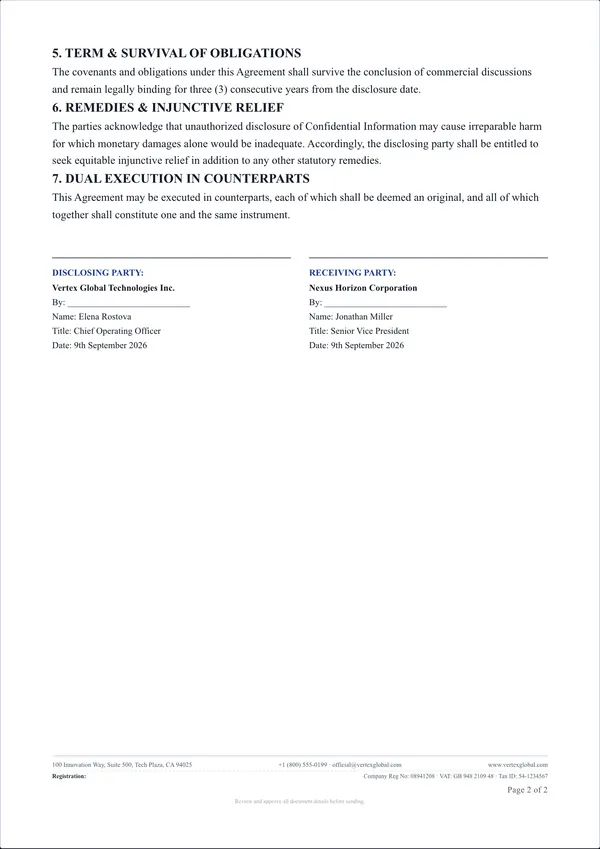
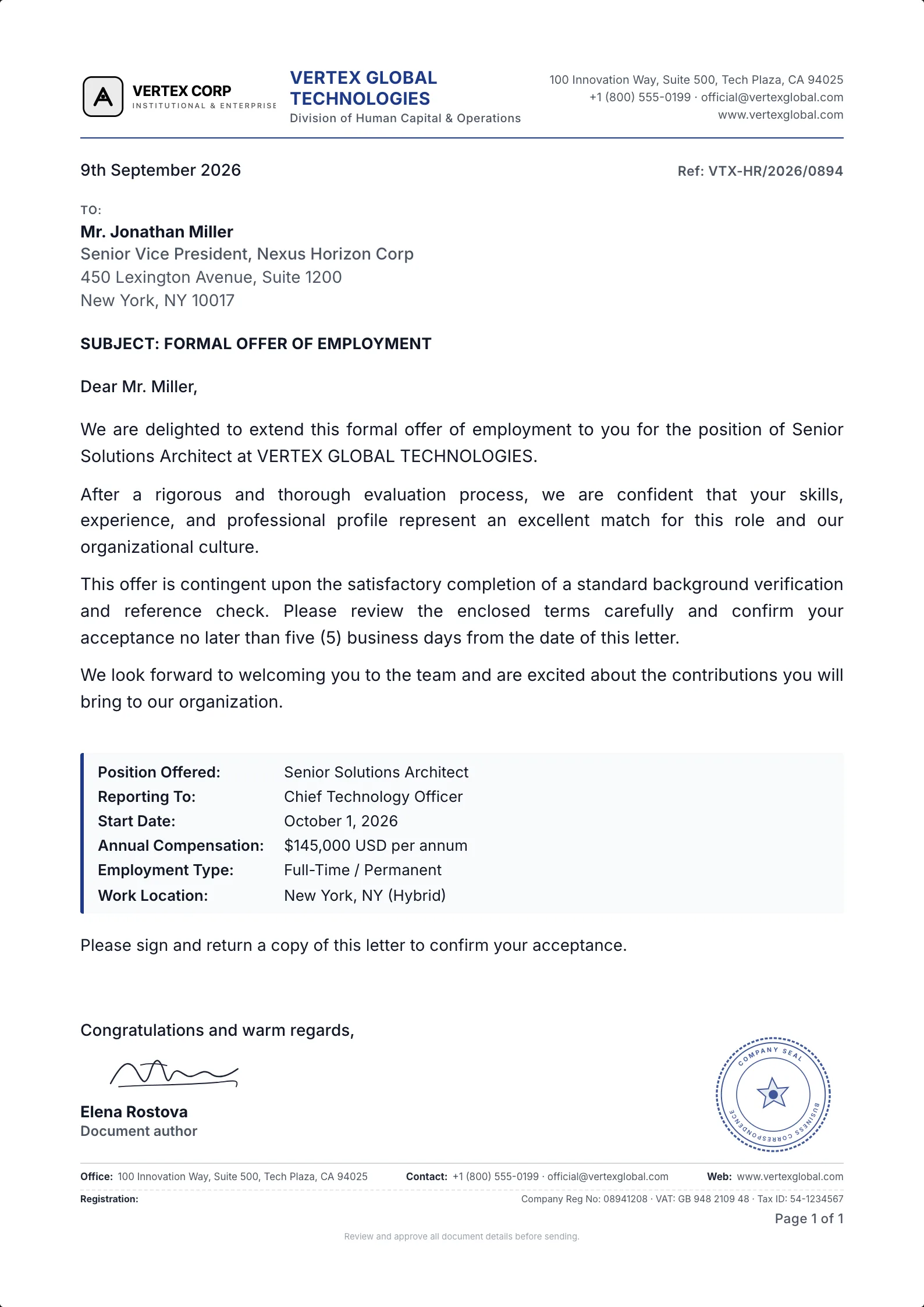
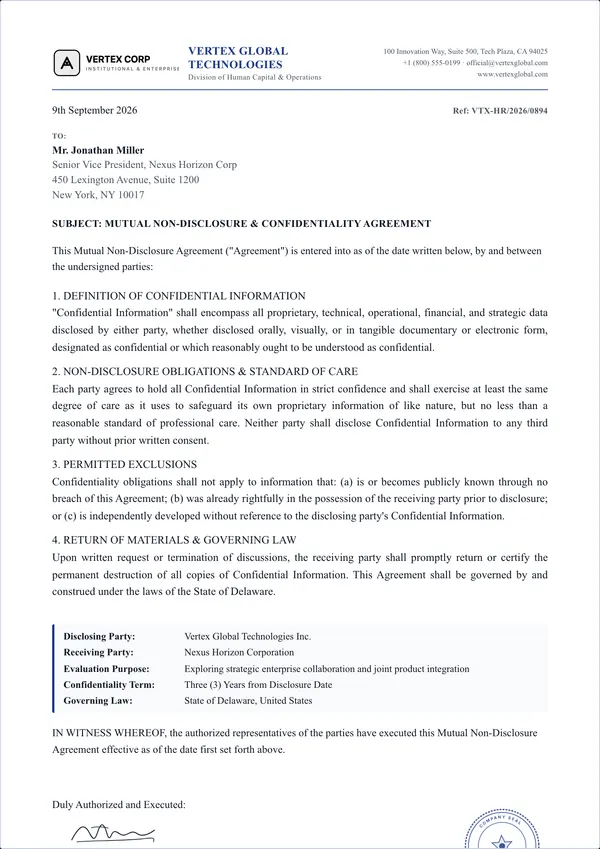
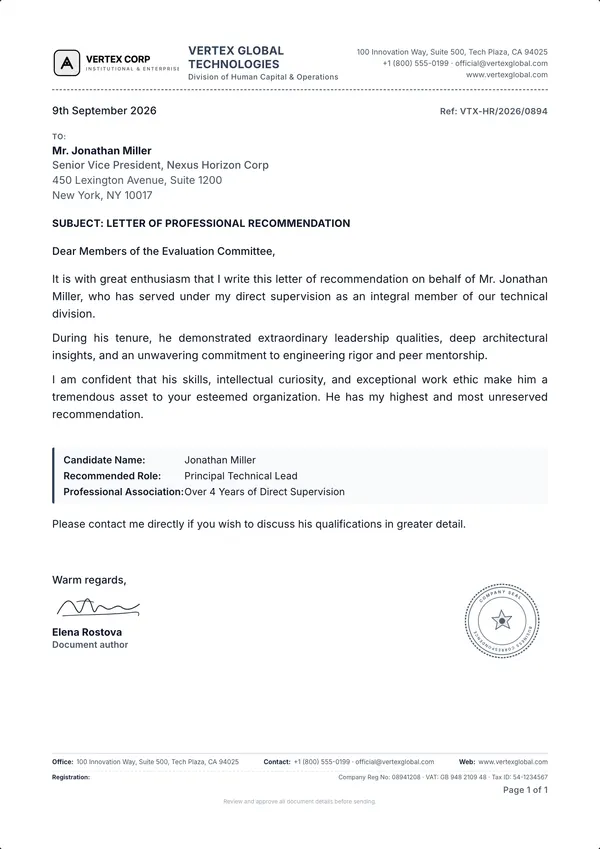
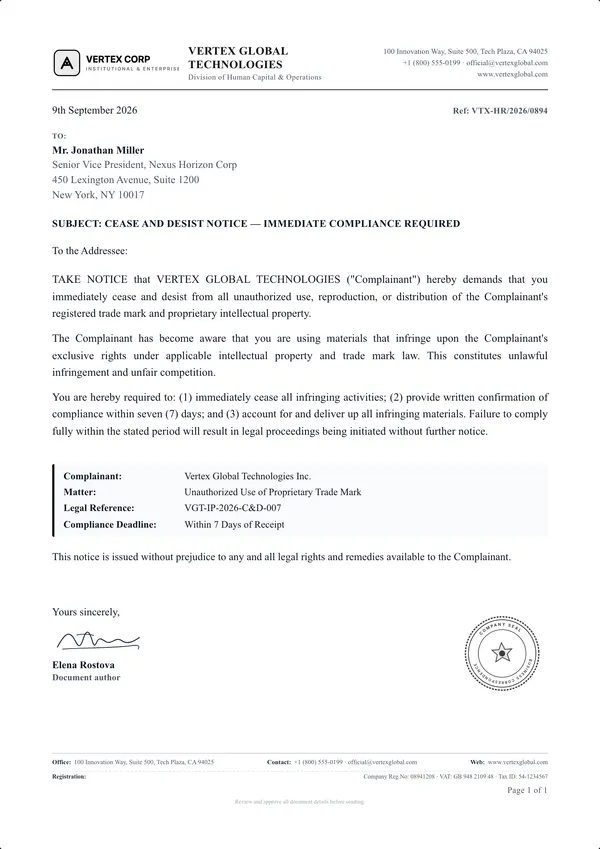
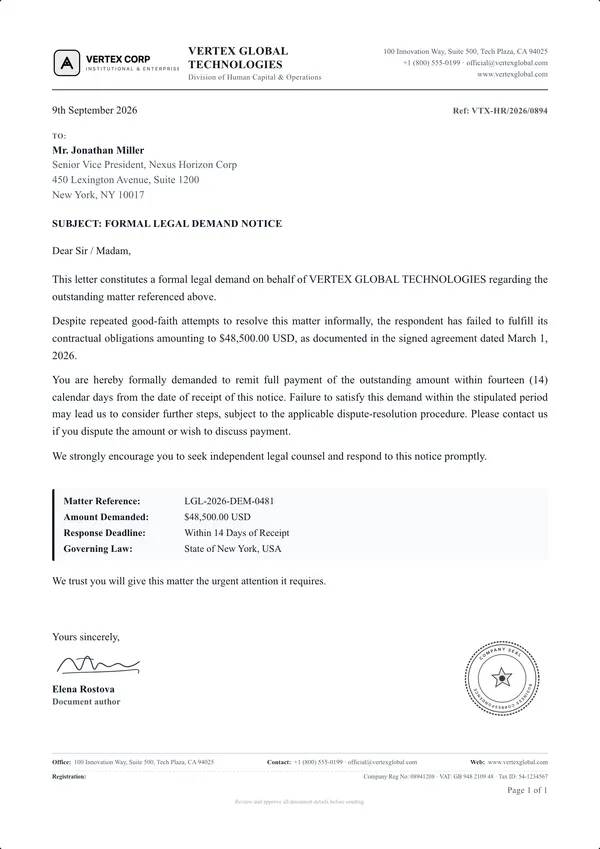
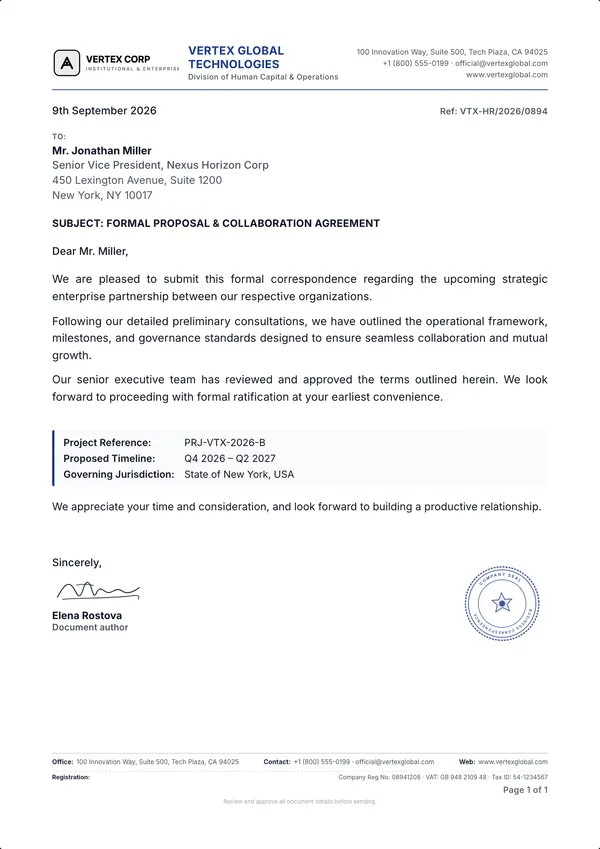
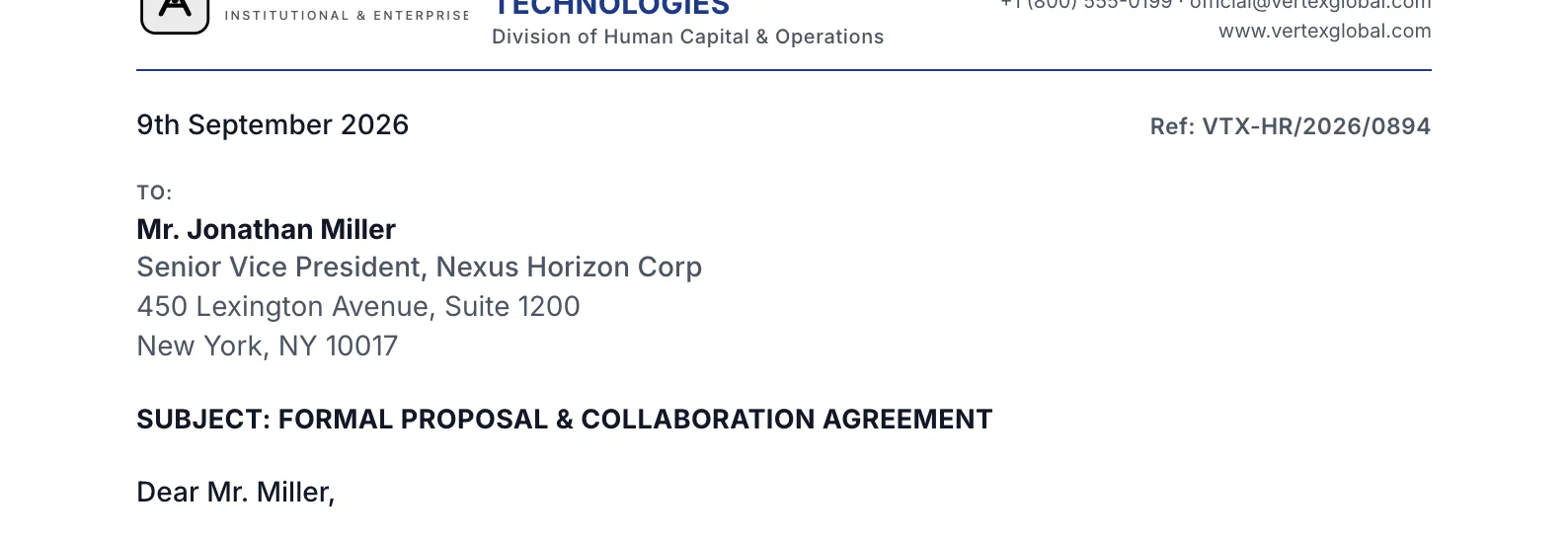
The recipient block is locked to the DIN 5008 field of 45 × 85 mm, with fold marks at 105 and 210 mm. Print at actual size and test-fold a copy against your envelope before sending; window positions vary between envelope suppliers.
45 × 85 mm window
02
Page two. Handled.
Long agreements flow onto continuation sheets with a slim running header and automatic Page X of Y numbering, so contracts look as sharp on the last page as the first.
03
Signed. Branded. Ready to send.
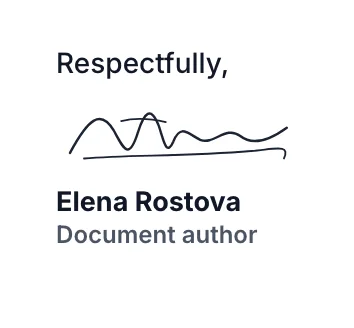
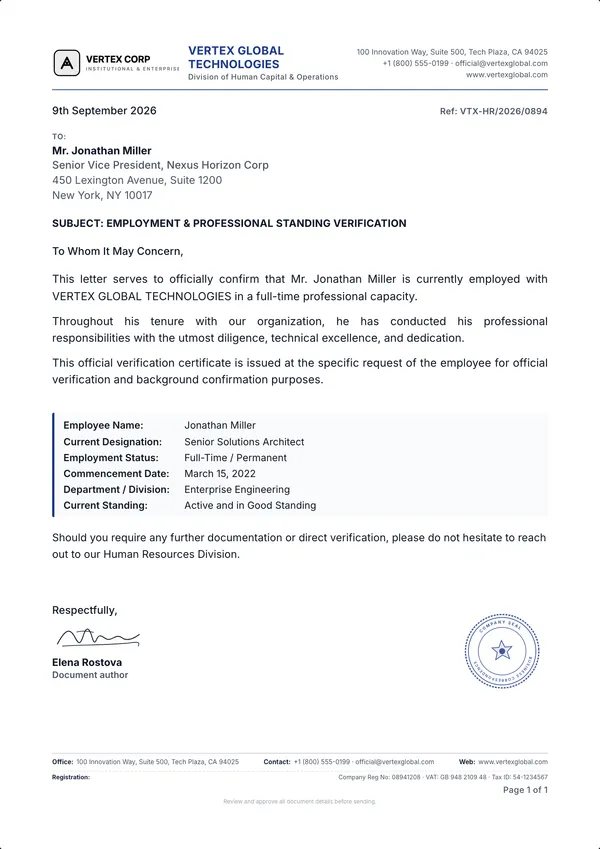
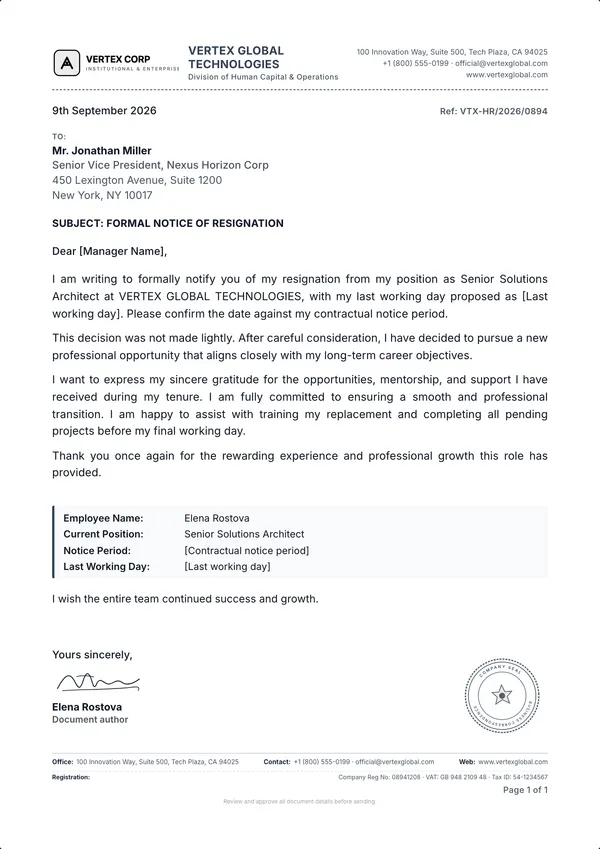
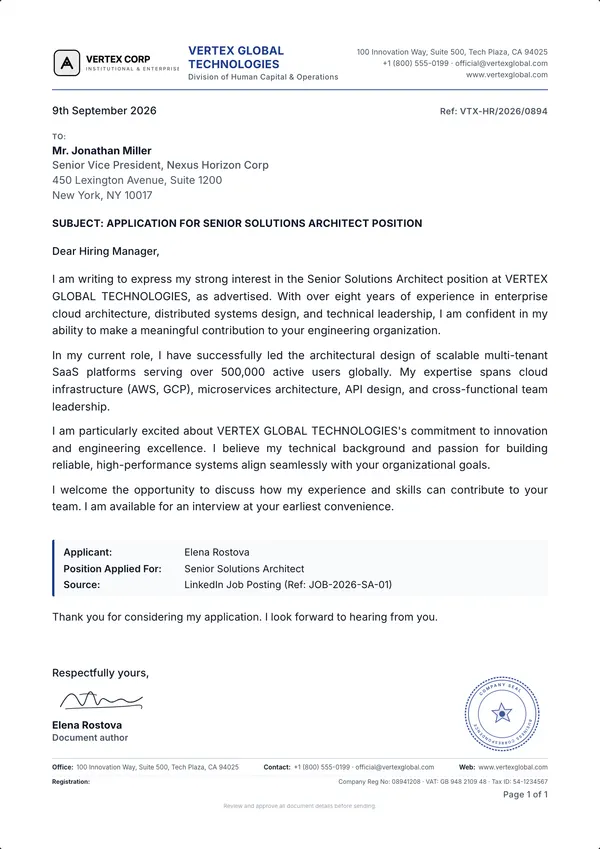
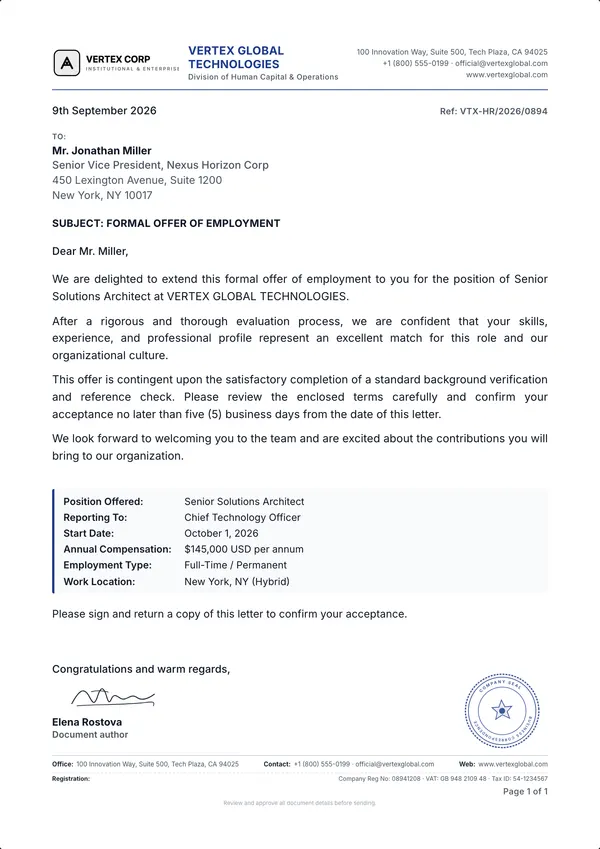
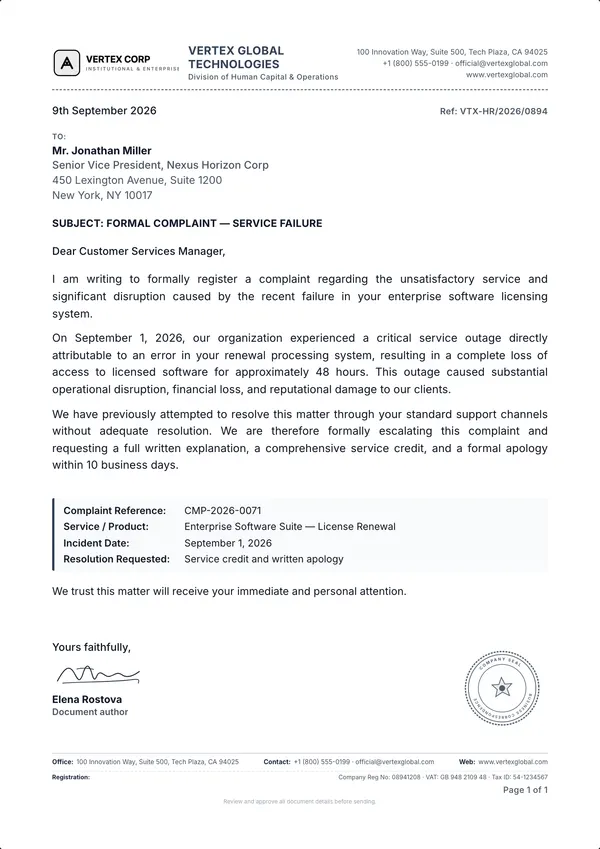
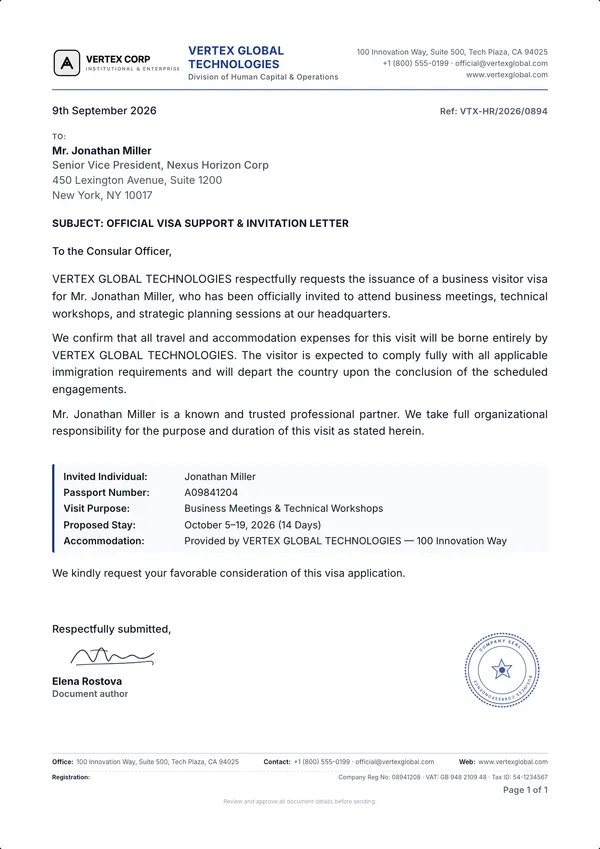
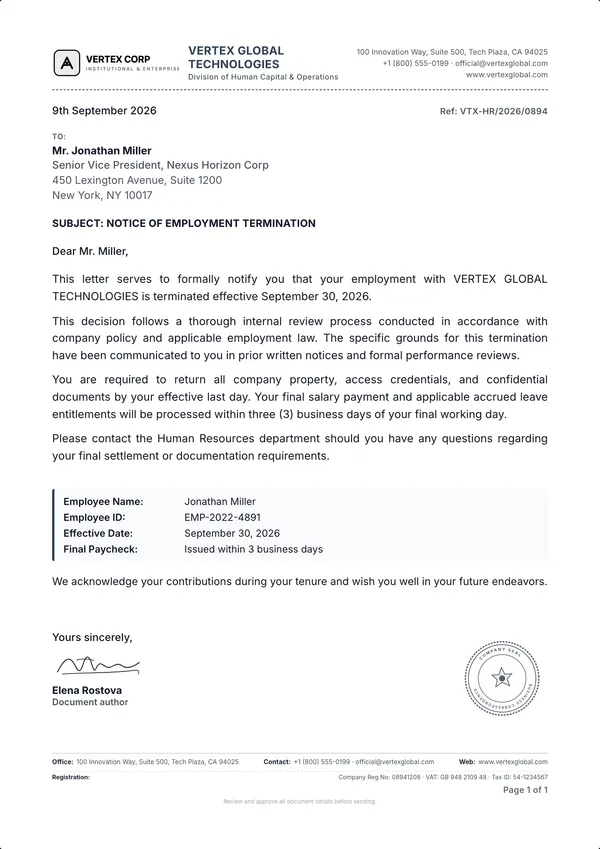
Draw your signature, type it in a script font or upload a scan. Add a circular seal or company stamp with your own text, ink colour and tilt, plus an optional QR code linking to a URL you choose.
04
Template to PDF. In minutes.
Start from a ready-to-edit letter, swap in your names and details, add your logo and signature, and export a sharp PDF with selectable text. A4 or US Letter. Test a printed copy if you use a window envelope.
5minutes from template to print-ready PDF.
How it works
Three steps. Zero friction.
01
Pick
Start from 25 ready-to-edit templates or a blank letterhead.
02
Edit
Type directly on the page. Add your logo, contact details, signature and seal.
03
Export
Download a sharp PDF or print it. A4 and US Letter; test the fit in your envelope.
Why Letter Studio
Built for letters. Not for everything.
What you need
Word & Docs
Design apps
Letter Studio
Window-envelope fit
Drifts as you edit
Manual guesswork
Locked 45 × 85 mm
Multi-page letters
Breaks header margins
No text flow
Auto continuation headers
Signatures & seals
Clunky image placement
Flattened on export
Pen, script, seal & QR
Ready-made letters
Start from a blank page
Generic designs only
25 ready-to-edit
Price
Free and paid options
Free and paid options
Free. No watermark.
Paper
ISO A4 · US Letter
Layout
DIN 5008 Type A / B
Output
High-resolution PDF
Templates
25 ready-written
FAQ
Questions, answered.
Is Letter Studio really free?
Yes. Every template, the editor and PDF export are free to use, with no watermark on your documents.
How long does it take to make a letter?
Most letters take under five minutes: pick a template, replace the sample names and details, add your logo and signature, and export a print-ready PDF.
What makes it better than Word or Google Docs for letters?
Word processors are built for continuous text, so logos, margins and address blocks drift as you edit. Letter Studio locks your letterhead structure in place, so every letter stays balanced and ready to print.
Will the address fit a window envelope?
The A4 layout uses a DIN 5008-style address field and fold marks. Print at actual size and test a copy in your own envelope; paper size, printer scaling and window positions affect the fit.
Can I create multi-page letters and contracts?
Yes. Add continuation pages at any time. Later pages switch to a clean running header with Page X of Y numbering.
Which paper sizes and file formats are supported?
ISO A4 and US Letter. Download a high-resolution PDF with sharp text and logos, or print directly from your browser.
Can I add my logo, signature and company stamp?
Yes. Upload a logo, draw or upload a signature, and add a circular seal or rectangular company stamp with your own text and ink colour.
 45 × 85 mm window